Building Custom WordPress Themes from Scratch
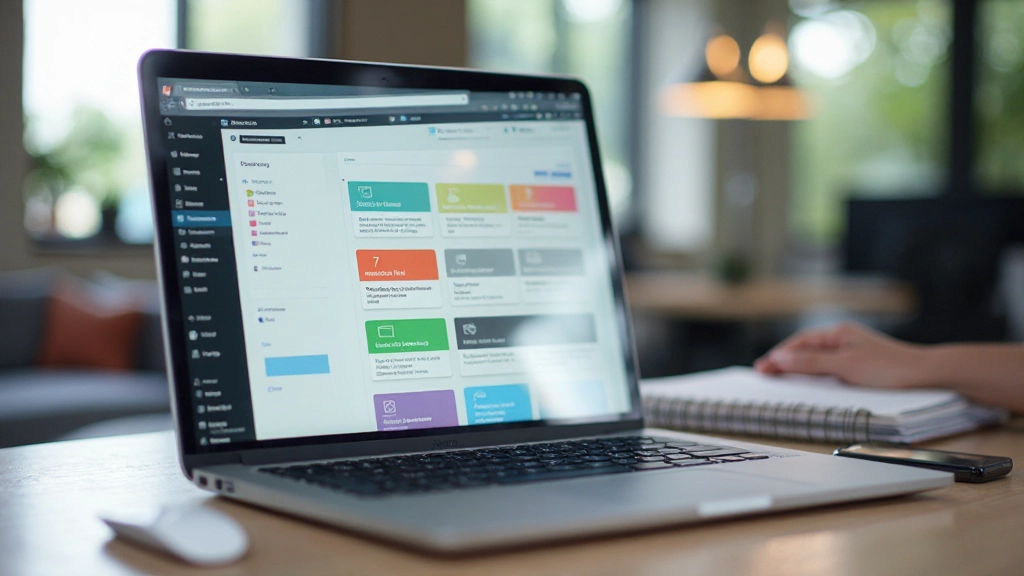
Learn the fundamentals of creating WordPress themes using PHP, CSS, and the WordPress template hierarchy. This guide walks through structure, functions, and best practices.
Read MoreDiscover how to build, customize, and optimize WordPress sites tailored to your business needs in Malaysia
Whether you’re launching your first website or redesigning an existing one, we’ve got comprehensive guides covering WordPress design principles, CMS customization techniques, and practical implementation strategies. Our resources help you create professional, functional websites that represent your brand.
In-depth guides and practical tutorials for WordPress professionals
Learn the fundamentals of creating WordPress themes using PHP, CSS, and the WordPress template hierarchy. This guide walks through structure, functions, and best practices.
Read More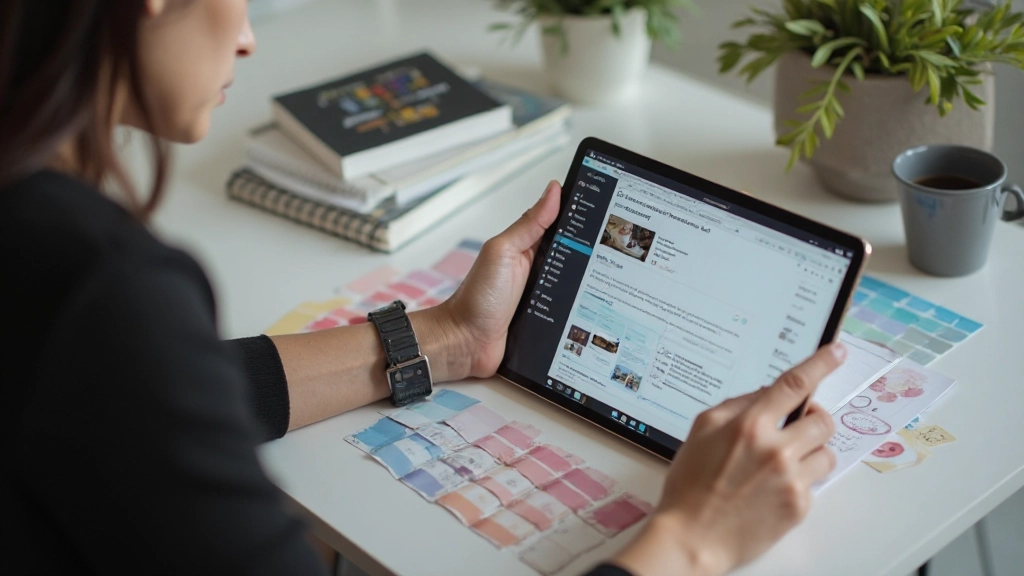
Explore page builders, theme options, and visual customization tools that let you create unique designs without touching code. We’ll cover popular builders and their capabilities.
Read More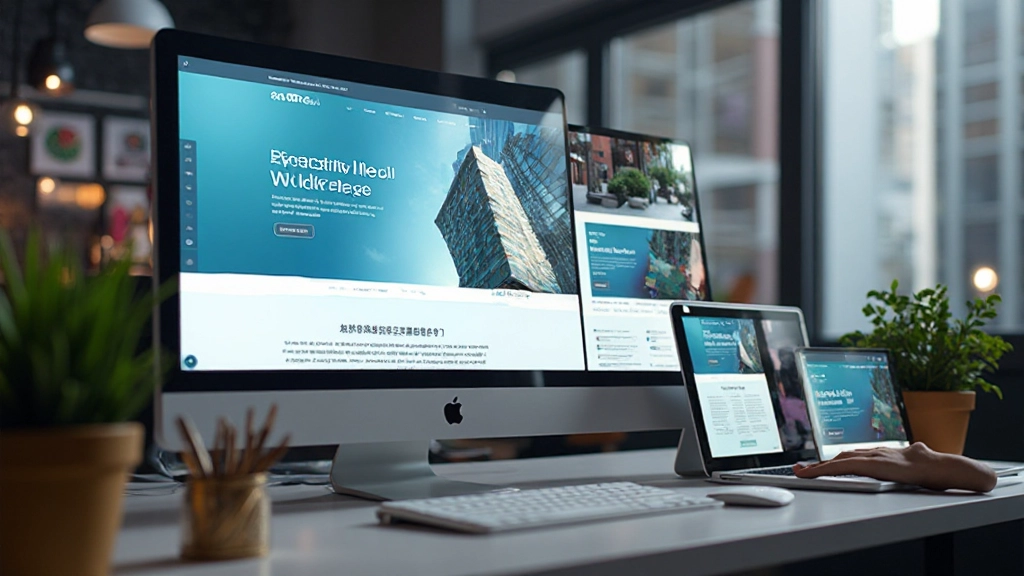
Master mobile-first design strategies, testing techniques, and CSS approaches that ensure your WordPress site looks perfect on every device. Includes real-world examples.
Read More
Discover caching strategies, image optimization, database tuning, and plugin selection that improve load times. These techniques directly impact user experience and rankings.
Read MoreWordPress powers over 40% of websites worldwide. Understanding its capabilities helps you make informed decisions about your digital presence.
Organize pages, posts, and custom content types without needing developer help. The intuitive editor makes content updates straightforward.
Thousands of plugins extend functionality — from SEO to e-commerce to security. You can add features without custom development.
Themes provide design foundations while child themes and custom CSS let you create unique visual presentations matching your brand.
Clean code structure, customizable permalinks, and plugin support for SEO help your site rank well in search results.
Get answers to questions people ask when starting or redesigning their WordPress sites
WordPress.org (self-hosted) gives you full control over design, plugins, and functionality but requires your own hosting. WordPress.com is managed hosting with less customization but simpler setup. Most professionals choose WordPress.org for flexibility.
No, not necessarily. Page builders like Elementor and Divi let you create custom designs visually. However, understanding basic CSS and PHP helps when you need specific customizations that builders can’t handle.
You should apply security updates immediately. Major version updates (like 6.0 to 6.1) can wait a few weeks after release to ensure compatibility with your plugins and theme. Always backup before updating.
It depends on your needs. Look for themes that support your business type, include the features you need, get regular updates, and have good documentation. Test responsiveness on mobile before deciding.
Start with caching plugins, optimize images, use a content delivery network, remove unused plugins, and choose quality hosting. These steps often improve speed significantly without technical work.